8 steps, from installation to your first gift triggering an action in-game.
Survival is played on a normal survival world: there's no arena to build and no game commands to learn. Gifts from your TikTok live turn into lightning strikes, meteors, tornadoes, presents and pranks on the player.
Click this link and select your operating system (Windows, macOS or Linux) to download Java 21: it's the version this server requires.
The server runs on Paper 1.21.10: make sure your Minecraft (Java Edition launcher) is on this version, otherwise you won't be able to connect.
Download TikForge - Survival Server.zip and extract it into a folder of your choice. It's a ready-to-run server: Paper 1.21.10 with the plugin already inside and everything configured, so there's nothing else to install.
Before starting it, open the eula.txt file in the folder, change eula=false to eula=true and save: this is the acceptance of Minecraft's EULA, and it has to be done by the server owner, which is you.
Open (double-click) the start.bat file in the server folder and wait for the console to finish loading.
Then open Minecraft, go to Multiplayer > Add server, enter localhost as the address, save and join.
You don't need to op yourself manually: in this package the first player who joins automatically becomes an operator, and the /survival commands work right away.
Open the TikForge Dashboard, go to Games > Minecraft > Survival and copy the token.
In-game (or in the server console) type:
/tikforge link <token>
replacing <token> with the one you copied. To check that it worked, use /tikforge status.
It's the same token as the TntCube panel: you get one per account, valid for every Minecraft plugin. If you regenerate it, the other server stops working too, and both need to be set up again.
Survival has no gift slots of its own: gift → action links are created in the Events & Actions tab of the Dashboard, together with audio, alerts and TTS.
To get started right away there's a ready-made profile with sixteen TikTok gifts already linked to actions. You can import it in one of two ways:
1) With the code — Events & Actions > Profiles > "Import Profile", then paste E4A9C-DNYAE.
2) With the file — download the profile (.json) and upload it from Events & Actions > Profiles > "Import JSON".
You can edit it at any time: the Survival box gives you the game's commands, not pre-packaged actions — pick Give and fill in item, enchantment and amount, pick Effect and fill in effect, seconds and level. The full list with arguments and examples is in the command guide.
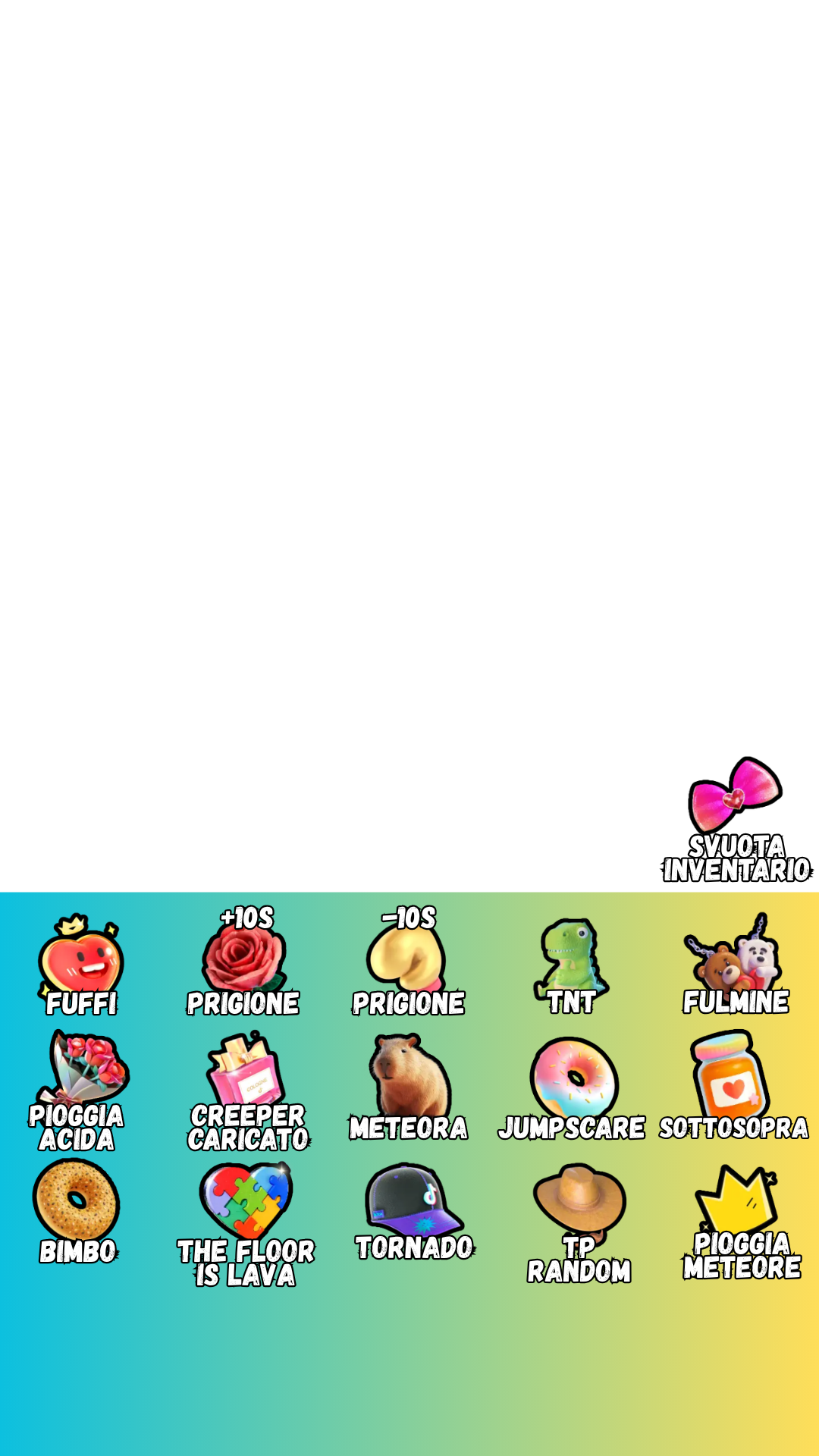
If you want to show viewers what's happening, download the Survival overlay and add it as an image on top of your scene in OBS or TikTok Live Studio.
Go back to the TikForge Dashboard and start the session (the button that connects your TikTok live). From this moment on, gifts/events from your TikTok live will start triggering in-game actions.
IMPORTANT: this step is mandatory. Without starting the session from the Dashboard, gifts/events from your TikTok live won't trigger any in-game action, even if the server is online and connected.
If you're not using the zip but a survival server you already have, you'll need Paper 1.21.10 or later with Java 21. Update the plugin with /tikforge update in-game and restart: actions configured from the Dashboard work from 1.5.0 onwards. On an older version the server prints "Unknown action received from the site" in the console.
This package (server, plugin and included content) is the property of TikForge - Righi Raimondo. All rights reserved. Use is permitted only under the terms of your TikForge subscription/license: do not redistribute or resell this package.
If something isn't working or you have questions, open a ticket on our Discord.
Open a Discord ticket